


Yale Architecture Advanced Technology
Paul Rudolph Hall 180 York Street
6th Floor, Room 602 (equipment checkout, when scheduled)
6th Floor, Room 605
3rd Floor, Room 308
Phone 203-432-9655
Lorem ipsum dolor sit amet, consectetur adipiscing elit. Sed fringilla massa odio, sed bibendum turpis sagittis ut. Pellentesque laoreet purus eget sem auctor lobortis. Vivamus porta faucibus magna, sit amet cursus ligula ullamcorper ac. Praesent eget nisl a dolor elementum lacinia. Integer ullamcorper efficitur tortor, eget venenatis sapien mattis semper. Integer sed accumsan nulla. Nunc vulputate non ipsum nec convallis. Donec quis sollicitudin lacus. Donec cursus sagittis justo, sed ultricies ligula pretium in. Nulla fermentum laoreet augue, et euismod nunc vulputate ac.
Nam id feugiat dui. Lorem ipsum dolor sit amet, consectetur adipiscing elit. Suspendisse commodo scelerisque lorem nec vulputate. Aenean in tincidunt metus. Sed erat neque, posuere non orci eu, vestibulum imperdiet nisl. Donec vehicula neque ut leo molestie maximus. Cras semper faucibus odio. Donec vitae nunc ligula.
This is bold text
This is bold text
This is italic text
This is italic text
Strikethrough
Blockquotes can also be nested…
…by using additional greater-than signs right next to each other…
…or with spaces between arrows.
Unordered
+, -, or *Ordered
1.Inline code
Indented code
// Some comments
        line 1 of code
        line 2 of code
        line 3 of code
| Option | Description |
|---|---|
| data | path to data files to supply the data that will be passed into templates. |
| engine | engine to be used for processing templates. Handlebars is the default. |
| ext | extension to be used for dest files. |
Right aligned columns
| Option | Description |
|---|---|
| data | path to data files to supply the data that will be passed into templates. |
| engine | engine to be used for processing templates. Handlebars is the default. |
| ext | extension to be used for dest files. |

Yale Architecture Advanced Technology
Paul Rudolph Hall 180 York Street
6th Floor, Room 602 (equipment checkout, when scheduled)
6th Floor, Room 605
3rd Floor, Room 308
Phone 203-432-9655
The Yale Architecture Gallery is located at Paul Rudolph Hall in New Haven, CT.
Enter through 190 York Street, New Haven, CT 06511 and proceed to the second floor.
The Yale Architecture Gallery is open 9 - 5 on weekdays and 10 - 5 on Saturdays. The Gallery is closed on major holidays.


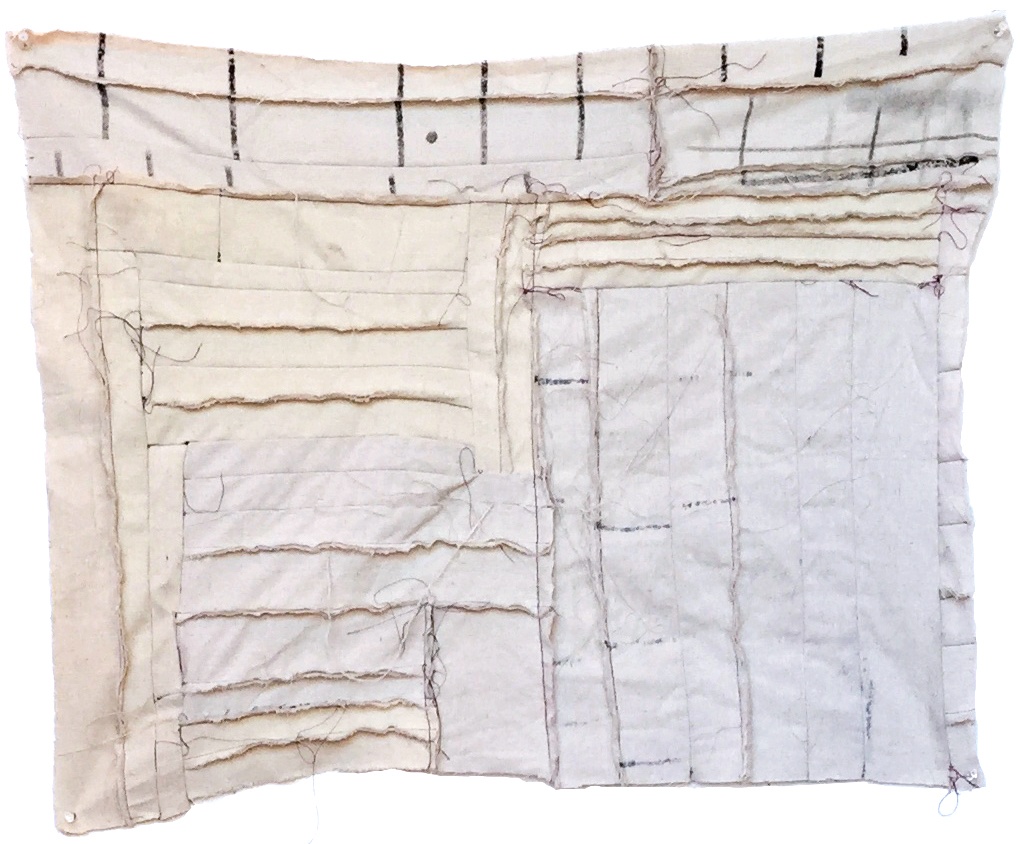
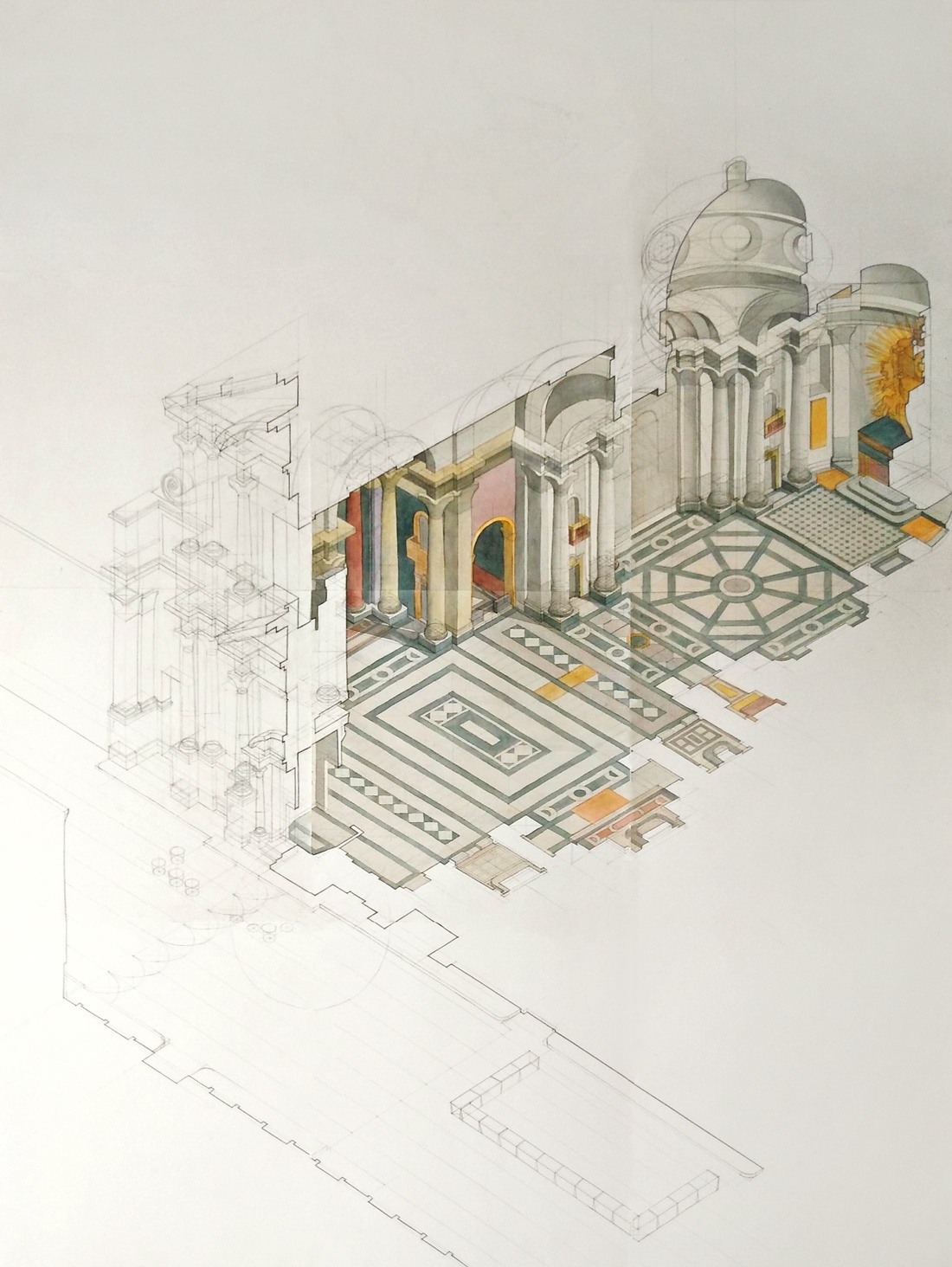
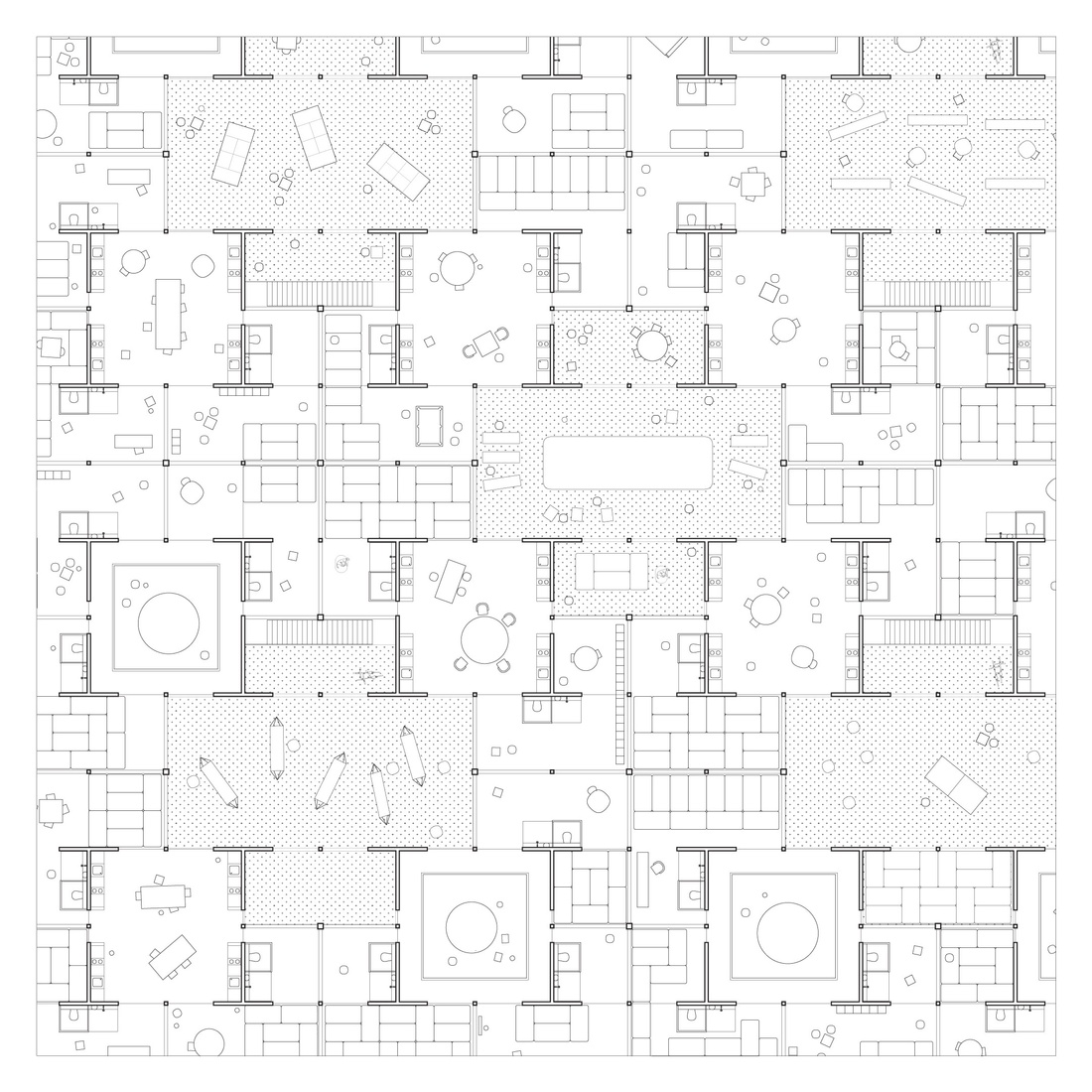
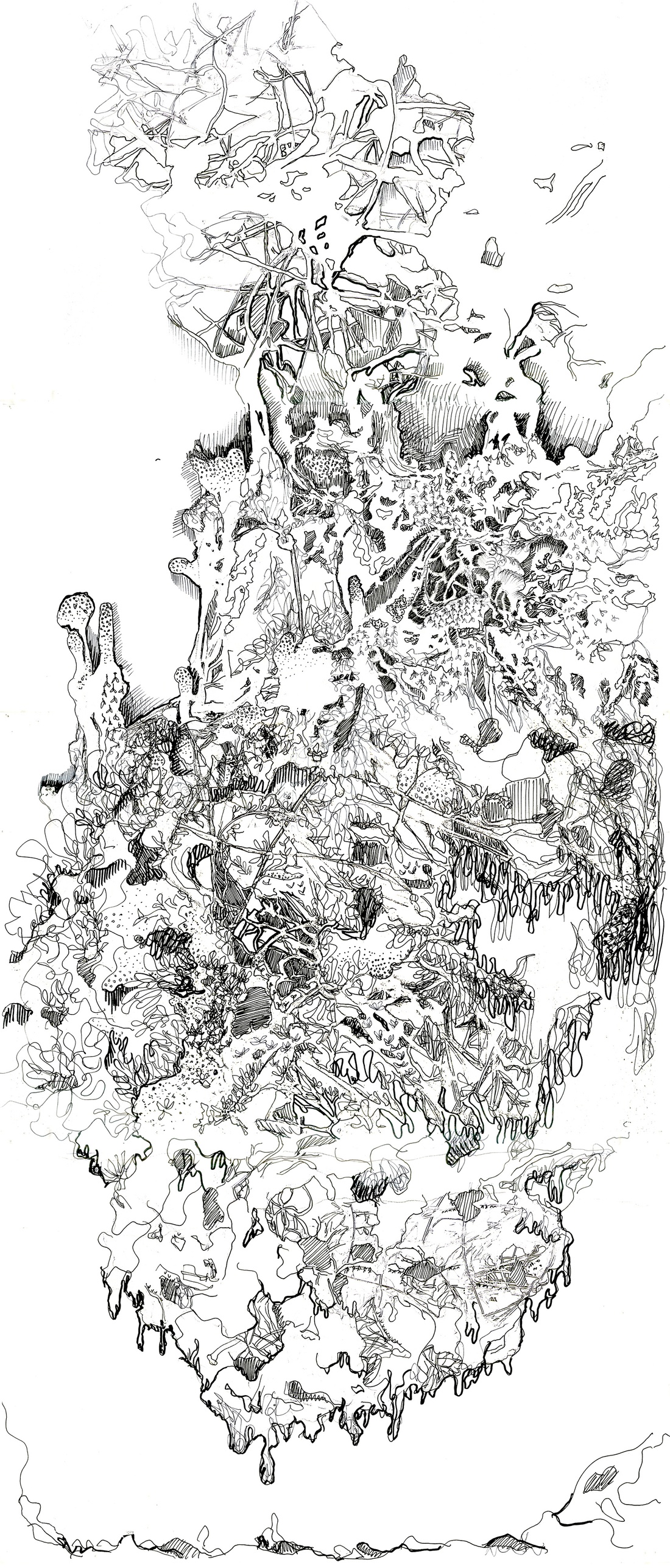

Junior Designer (1-3 Years of Experience) Full-Time | NYC
We are seeking a Designer with 1–3 years of professional experience to join our team at an art and architectural design studio. Our small, collaborative firm focuses equally on art and architecture, working across a wide range of scales and typologies. The ideal candidate is adaptable, collaborative, and eager to engage in multiple aspects of architectural design, sculpture, and landscape projects simultaneously.
Role Overview The Designer will:
Design & Visualization Skills
Portfolio
Approach & Work Style
Resourceful, independent but collaborative; Thrives in a fast-paced, multidisciplinary setting that requires adaptability; Collaborative spirit within a small, energetic team.
We encourage candidates to apply even if they do not meet every qualification. We find that the strongest candidates are those who are willing to grow and learn within a team.
Application Process: All applicants must be currently located in NYC and authorized to work in the United States. Maya Lin Studio is an equal opportunity employer. Salary will be dependent upon experience.
To apply, please submit the following documents to jobs@mlinstudio.com with “Designer” in the subject line: - Your CV/Resume - Portfolio (PDF, 20MB max) demonstrating your design work - Two references
May 25th, Memorial Day - AT Offices closed
June 19th, Juneteenth - AT Offices closed
July 3rd, Independence Day - AT Offices closed
You will be asked to verify your Yale credentials and to authenticate with Duo, so be sure you have your Duo device handy.
If you connect correctly, your browser will open a new tab showing a green check and stating that you have connected to the Yale VPN.


